







 Garantía de entrega





Artículo: AMZ-B0F61V2G52
RETROSUN
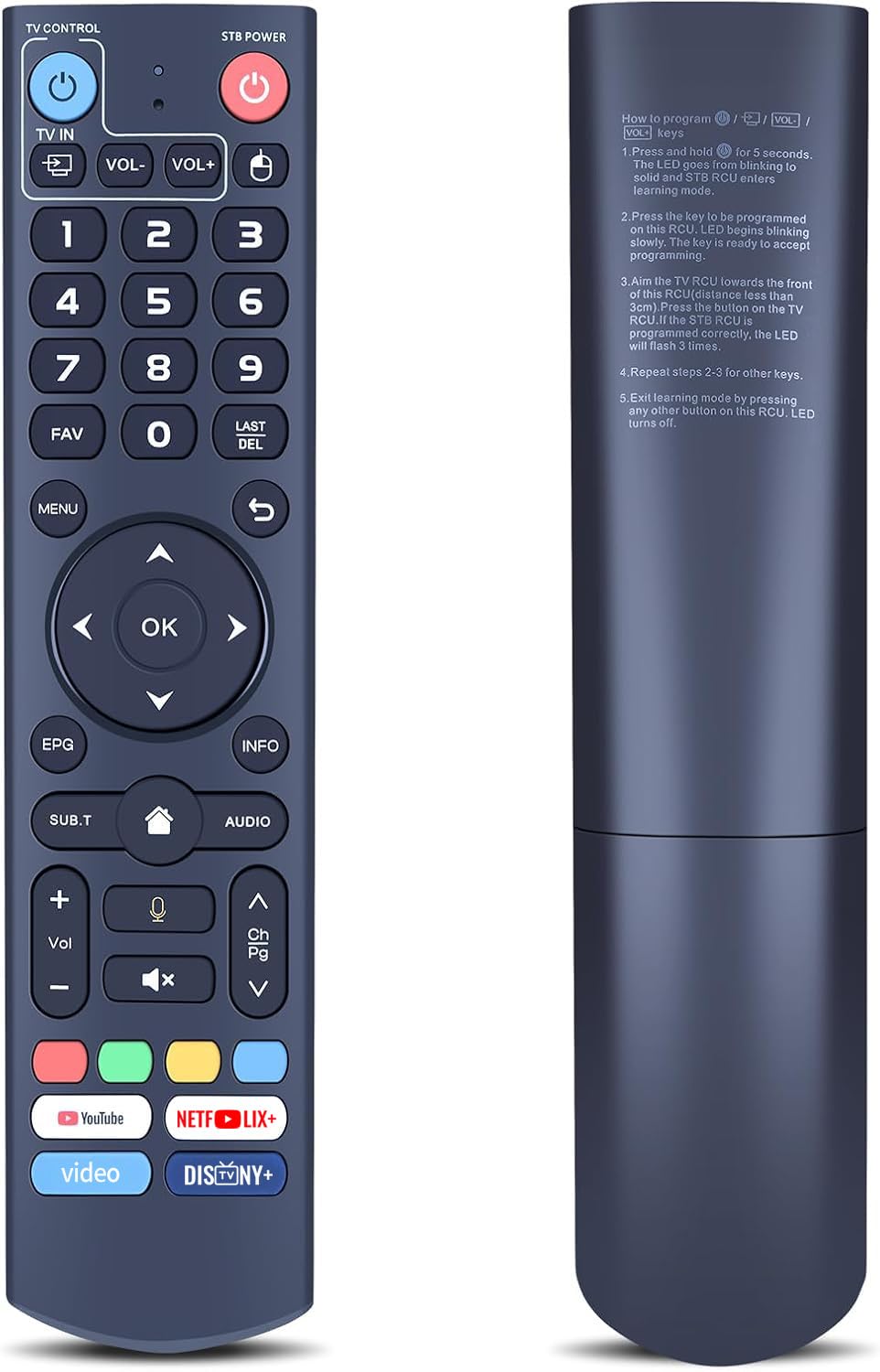
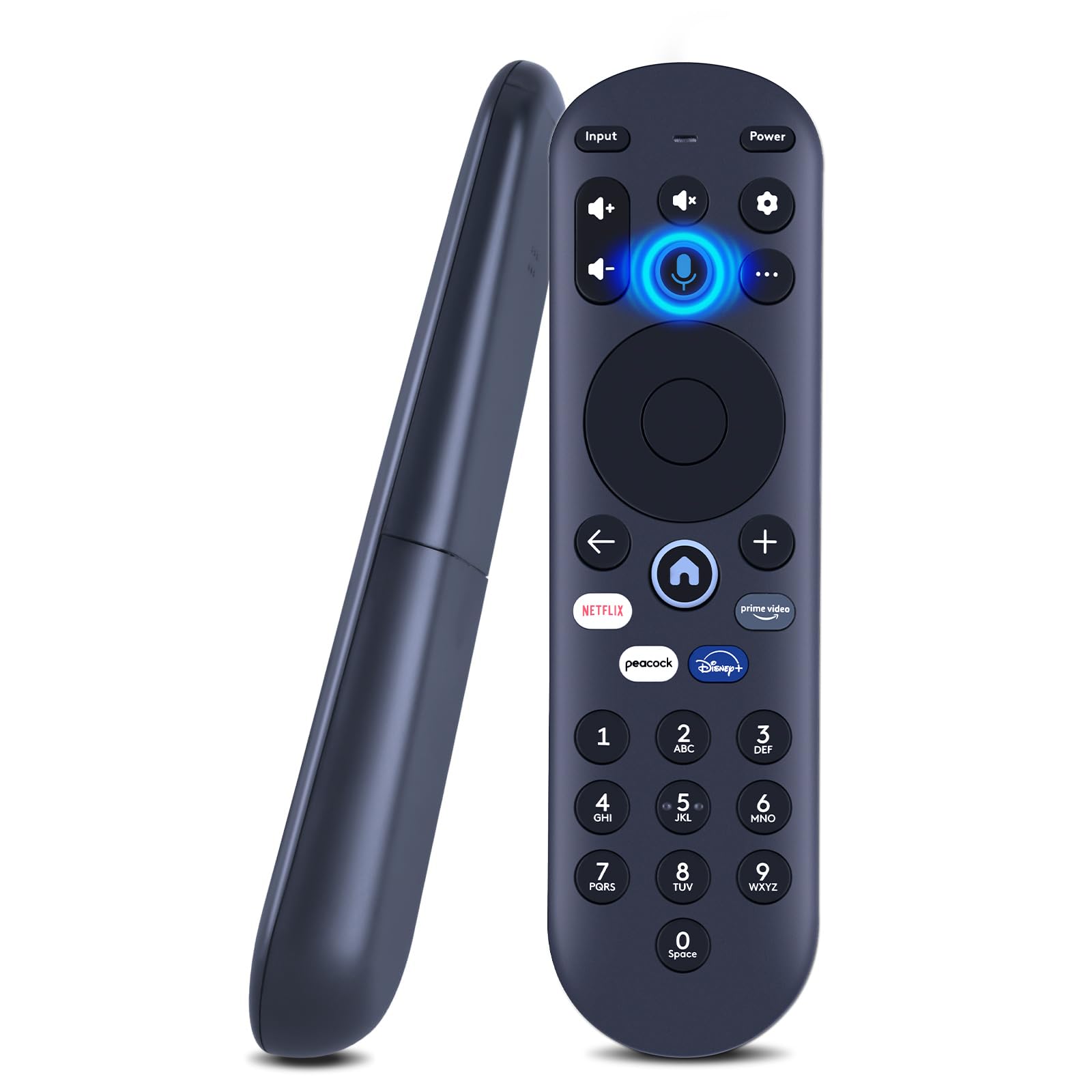
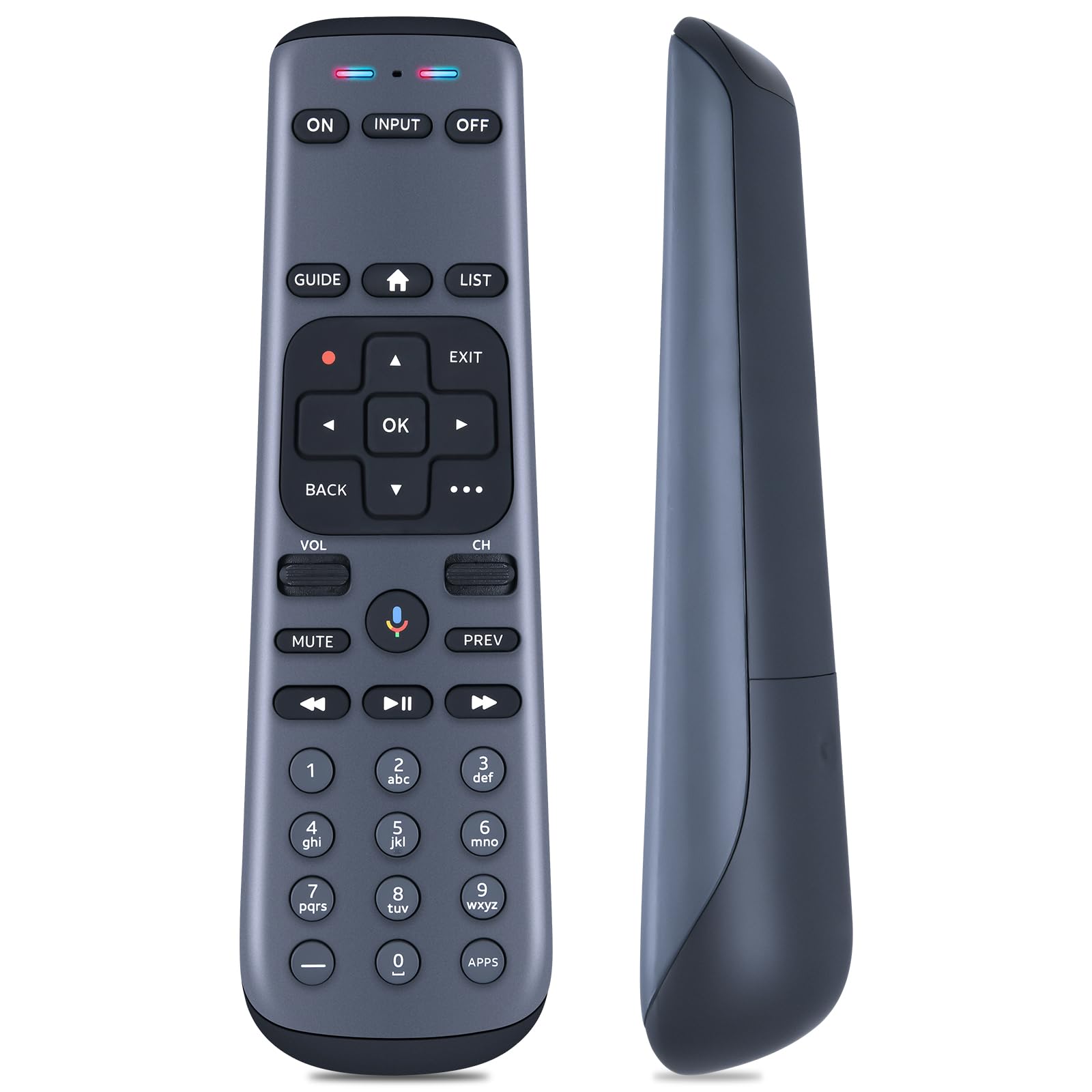
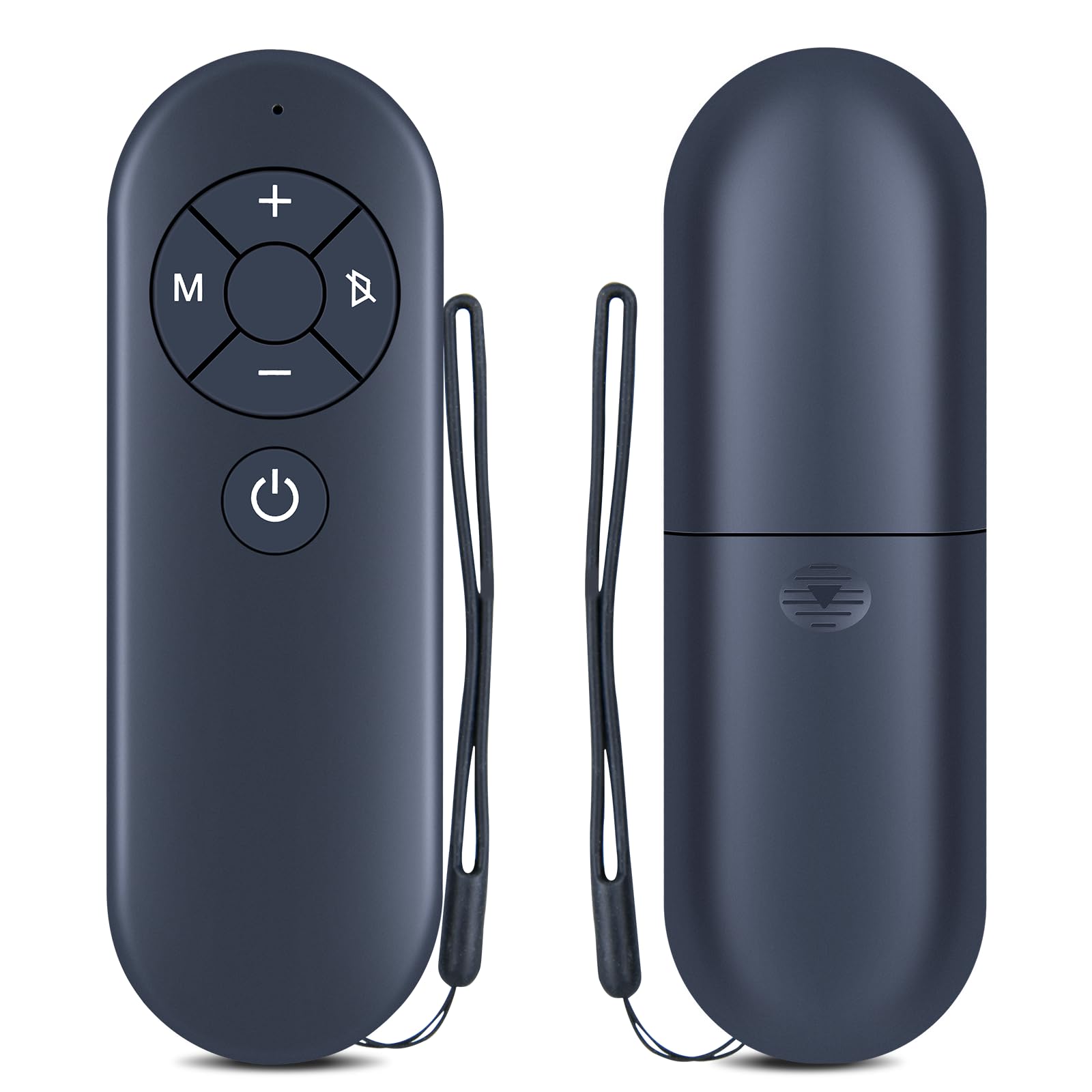
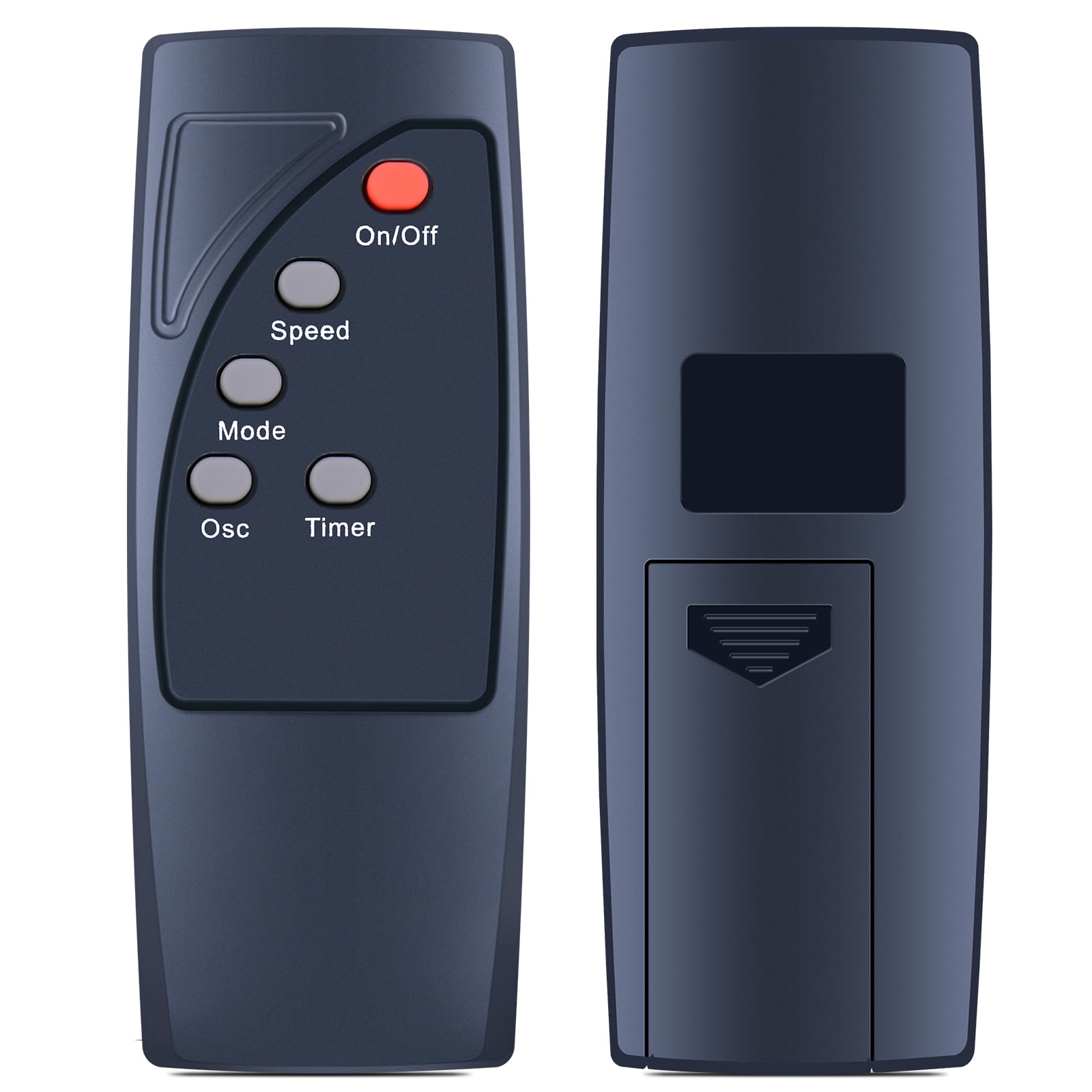
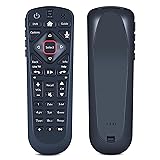
RETROSUN Replacement Voice Remote Control Compatible with Dsh Network 54.0 for The Hopper
Detalles del producto
Disponibilidad
En stock
En stock
Peso con empaque
0.20 kg
0.20 kg
Devolución
Sí
Sí
Condición
Nuevo
Nuevo
Producto de
Amazon
Amazon
Viaja desde
USA
USA
Sobre este producto
- The Remote Control 54.0 User Manual provides detailed instructions on how to use the Dish 54.0 remote control for the Hopper. The manual includes information on how to turn on the remote, pair it with the receiver, activate backlighting, personalize it, and locate it anytime. It also provides regulatory information and safety instructions that users should follow while using the device. The manual features frequently asked questions that provide solutions to common issues that users may face while operating the remote control.
$70,00
55% OFF
$31,82
IMPORT EASILY
By purchasing this product you can deduct VAT with your RUT number
$70,00
55% OFF
$31,82
Envío gratis
 Llega en 5 a 12 días hábiles
Con envío
 Tienes garantia de entrega
Este producto viaja
de USA ![]() a tus manos en
a tus manos en
![]()
 a tus manos en

Conoce más detalles
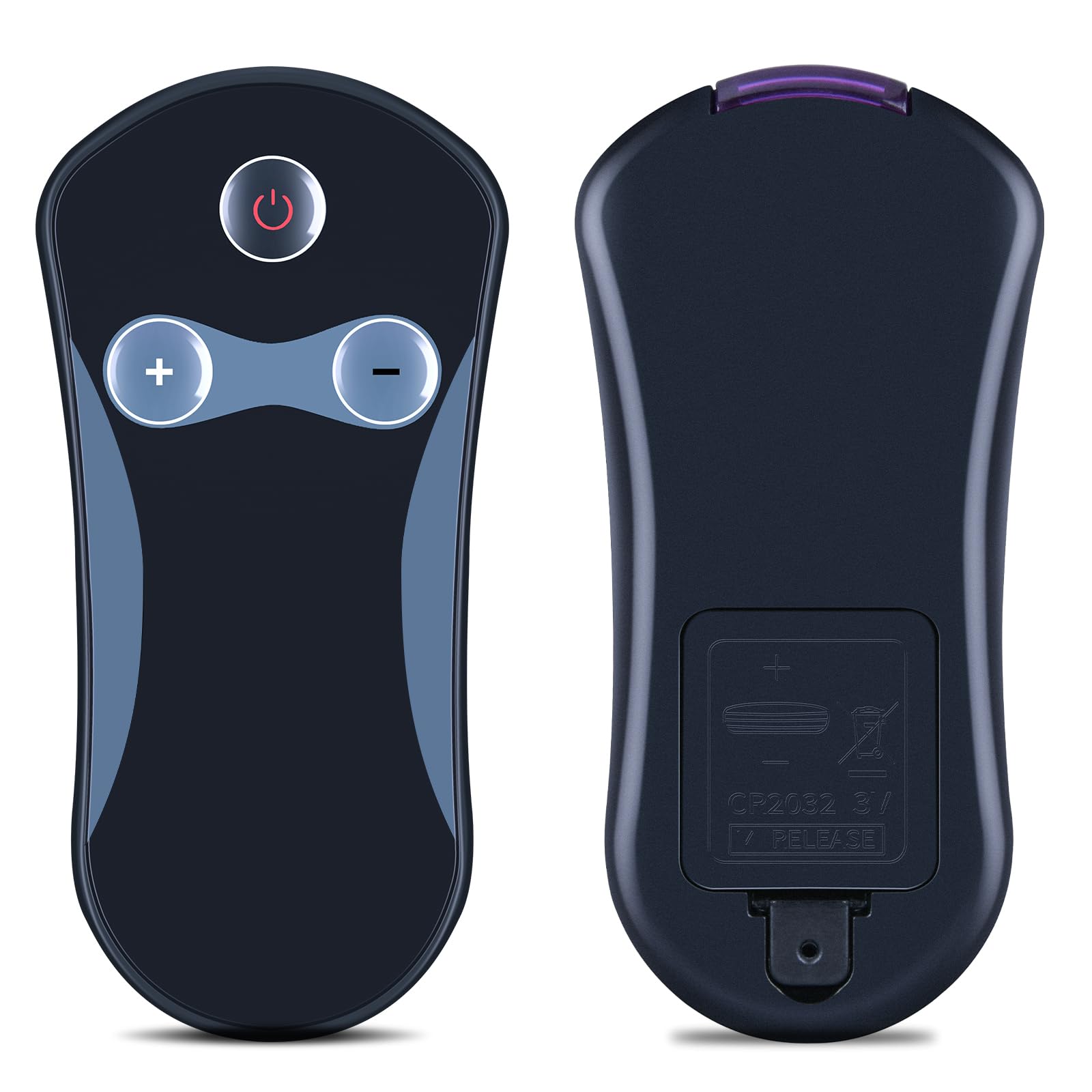
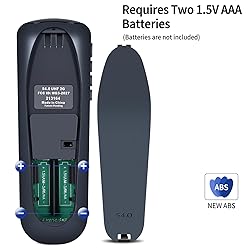
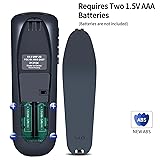
RETROSUN Replacement Remote Control works for Dsh Network 54.0; for DSH 54 series: 54.1 54.2 54.3. Once the pairing is complete, you can use the one-touch voice function to enjoy the convenience it brings. Note: Your receiver must be connected to the Internet to enjoy voice control. To make a wireless connection: Home button twice > Settings > Internet. Pair Your Remote: ① Press the HOME button twice. ② Select Settings, then Remote Control. ③ Select TV, and then TV Pairing Wizard. Follow the prompts.(Tips: You can also pair your remote with an Auxiliary Device, such as a Blu-ray player or stereo.) Personalize Your Remote: Press and hold the [diamond] or [double-diamond] button. Select from the menu what you want the button to do. You can turn closed captioning on and off, launch Netflix, turn on picture in picture (PiP), record a program with one click, and more. Unpairing method: ① Press and hold the SAT button on the side of the remote control. After 3 seconds, the indicator light flashes. Release the keys. ② Press and hold the "Home" button and "Guide" at the same time, after 3 seconds, the buzzer will beep three times. Release the keys. Package Included: 1 * Remote Control & 1 * Use Manual (2pcs AA batteries are not included)
Compra protegida
Disfruta de una experiencia de compra segura y confiable
![]() Garantía de entrega
Garantía de entrega
Con Tiendamia todas tus compras cuentan con Garantía de Entrega o devolución total de tu dinero.
Compras 100% seguras y garantizadas, para que pidas lo que sueñas y lo recibas del mundo a tu puerta.
Tarjetas de Débito y Crédito

Visa

Mastercard

American Express

Dinners

Discover

Alias
Pagos a través de PayPal
Compra procesada en dólares con dinero en cuenta o tarjetas internacionales.

PayPal

.svg)
