




 Garantía de entrega








Artículo: AMZ-B0G3T4KCTR
acer
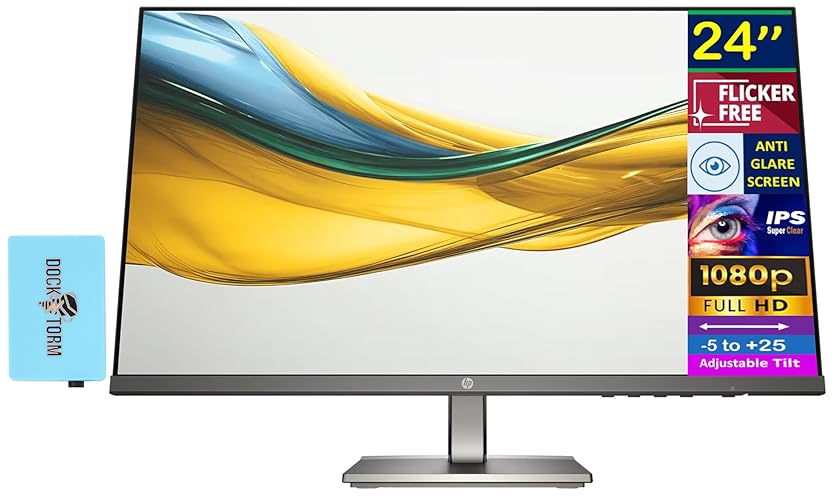
acer SH243Y P1si 23.8" IPS Full HD (1920 x 1080) Zero-Frame Gaming Office Monitor | AMD FreeSync Technology | Up to 144Hz Refresh | 1ms (VRB) | Tilt, Height Adjustment & Swivel | HDMI & VGA Ports
Style:
144Hz, Adjustable Stand
Size:
23.8-inch
Detalles del producto
Disponibilidad
En stock
En stock
Peso con empaque
3.35 kg
3.35 kg
Devolución
Sí
Sí
Condición
Nuevo
Nuevo
Producto de
Amazon
Amazon
Viaja desde
USA
USA
Sobre este producto
- Ideal for everyday computing, the Acer SH243Y features a ZeroFrame design, ultra-thin profile, Full HD resolution. Making it a sleek addition to your home or office setup. Get fast refresh rates thanks to the AMD FreeSync Technology that matches the refresh rate of your monitor with your graphics card. Plus, users can enjoy comfortable viewing experiences while gaming via flicker-less and low dimming display. The design saves space on your desk and lets you place multiple monitors side by side to build a seamless big-screen display. (UM.QS3AA.101)
$210,24
31% OFF
$144,99
IMPORT EASILY
By purchasing this product you can deduct VAT with your RUT number
$210,24
31% OFF
$144,99
Envío gratis
 Llega en 5 a 12 días hábiles
Con envío
 Tienes garantia de entrega
Este producto viaja
de USA ![]() a tus manos en
a tus manos en
![]()
 a tus manos en

Conoce más detalles
Vibrant Images: Crisp, true-to-life colors come alive in Full HD 1080p resolution. Movies and games appear more real and dramatic, and minute details and text are clear with 1920x1080 resolution in a 16:9 aspect ratio. AMD FreeSync Technology: Goodbye stutter. Hello seamless gaming. Experience ultra-smooth visuals with AMD FreeSync—where your monitor and GPU work in perfect harmony. Quick Refresh Rate: The 144Hz refresh rate speeds up the frames per second to deliver an ultra-smooth 2D motion scene. With a rapid refresh rate of up to 144Hz, Acer Monitors shorten the time it takes for frame rendering, lower input lag and provide gamers an excellent in-game experience. Responsive!!: Fast response time of 1ms enhanced gamers’ in-game experience. No matter if the fast-moving action or any dramatic transitions will be all rendered smoothly without the annoying effects of smearing or ghosting. ErgoStand: Acer SH243Y has an ergonomically designed stand with -5° to 25° tilt, +/-360° swivel and a 3.93" height adjustment so you can always find that ideal viewing position. A quick-release design lets you separate the monitor from its stand so it can be VESA wall-mounted.
Compra protegida
Disfruta de una experiencia de compra segura y confiable
![]() Garantía de entrega
Garantía de entrega
Con Tiendamia todas tus compras cuentan con Garantía de Entrega o devolución total de tu dinero.
Compras 100% seguras y garantizadas, para que pidas lo que sueñas y lo recibas del mundo a tu puerta.
Tarjetas de Débito y Crédito

Visa

Mastercard

American Express

Dinners

Discover

Alias
Pagos a través de PayPal
Compra procesada en dólares con dinero en cuenta o tarjetas internacionales.

PayPal

.svg)
