




 Garantía de entrega


Artículo: AMZ-B0G52DF3CL
HCDZ
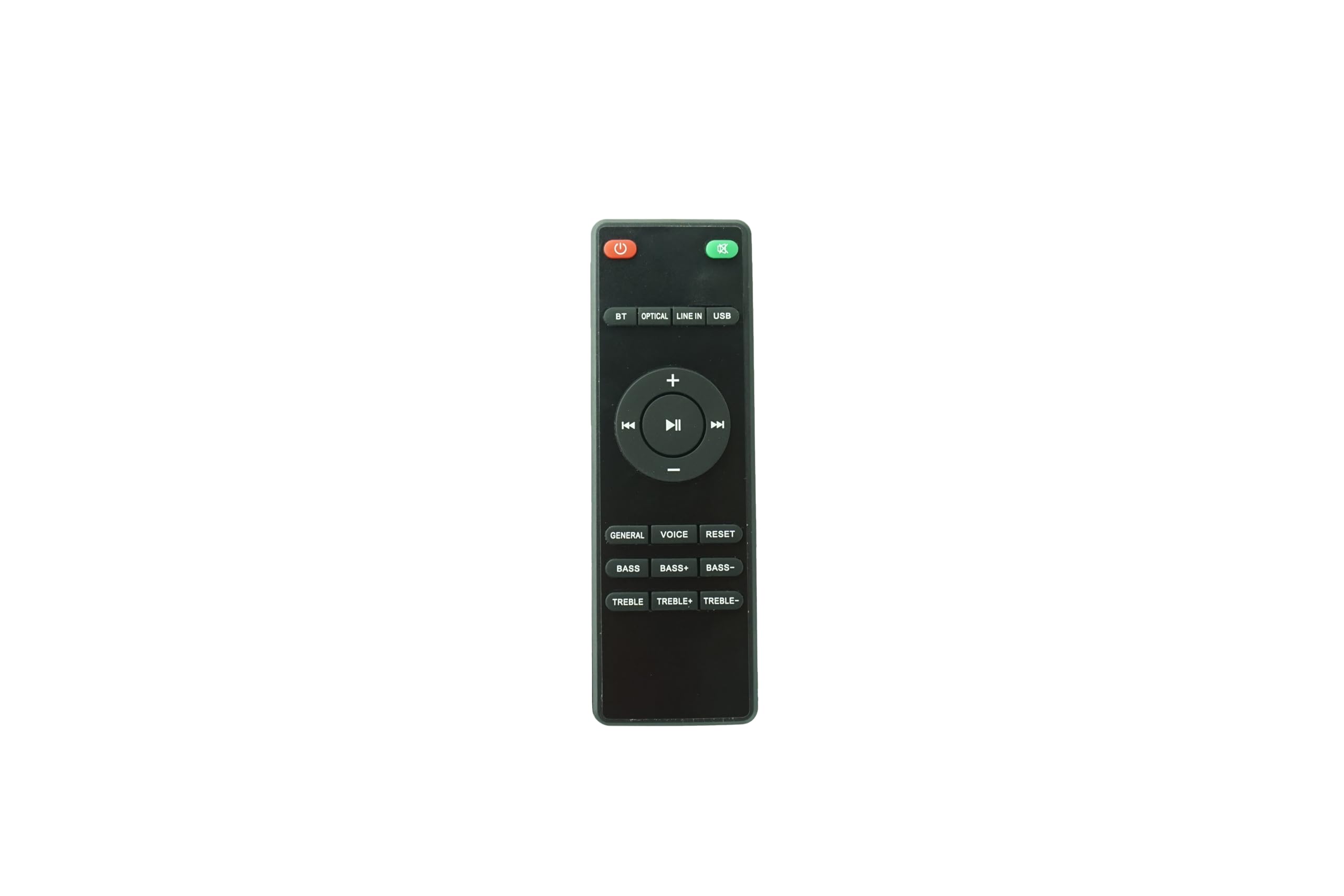
HCDZ Replacement Remote Control for Lonpoo LP-099 LP-099-A Compact Region Free Disc DVD Player
Detalles del producto
Disponibilidad
En stock
En stock
Peso con empaque
1.44 kg
1.44 kg
Devolución
No
No
Condición
Nuevo
Nuevo
Producto de
Amazon
Amazon
Viaja desde
USA
USA
Sobre este producto
- What's in the package: 1 X remote control , no battery and instructions included it will work straight away when new batteries inserted Do not leave the remote in an extremely hot or humid place. Do not use a new battery with an old one. Do not expose the remote sensor to direct sunlight or lighting apparatuses. Doing so may cause a malfunction. If you don't use the remote for an extended period of time, remove the batteries to avoid possible damage from battery leakage and corrosion. Troubleshooting: Remote control malfunctions Replace remote control batteries Check battery terminals Remote is out of range, move closer to the device Remove any obstructions between remote and IR sensor of the device Make sure the power cord to your device is plugged in and turned on
$33,95
31% OFF
$23,41
IMPORT EASILY
By purchasing this product you can deduct VAT with your RUT number
$33,95
31% OFF
$23,41
Envío gratis
 Llega en 16 a 26 días hábiles
Con envío
 Tienes garantia de entrega
Este producto viaja
de USA ![]() a tus manos en
a tus manos en
![]()
 a tus manos en

Conoce más detalles
Troubleshooting - If The Remote Doesn't Work: 1. Check Batteries: Reinstall the batteries, ensuring the contacts are clean and the polarity is correct. 2. Check Device: Confirm your device is powered on and functional. Try using the physical buttons on the device's panel to ensure it operates correctly. 3. Check for Obstructions: Make sure there are no objects blocking the path between the remote and the device's IR sensor. 4. Test the Remote: Use your smartphone camera for a quick test: Open your phone's camera app, point the front (LED end) of the remote directly at the phone's lens, and hold down any button. If you see a faint white or purple light flashing on your phone's screen, the remote is emitting an IR signal and is likely working. If you see no light, there may be an issue with the batteries or the remote itself.
Compra protegida
Disfruta de una experiencia de compra segura y confiable
![]() Garantía de entrega
Garantía de entrega
Con Tiendamia todas tus compras cuentan con Garantía de Entrega o devolución total de tu dinero.
Compras 100% seguras y garantizadas, para que pidas lo que sueñas y lo recibas del mundo a tu puerta.
Tarjetas de Débito y Crédito

Visa

Mastercard

American Express

Dinners

Discover

Alias
Pagos a través de PayPal
Compra procesada en dólares con dinero en cuenta o tarjetas internacionales.

PayPal

.svg)
