




 Garantía de entrega


Artículo: AMZ-B0FC26VZZ1
EZITSOL
EZITSOL Disk Cloning Kit with Bootable USB Key & USB3.0 SATA Cable – Clone or Upgrade HDD/SSD Without OS Reinstall – Compatible with 64-Bit Windows & Linux PCs (Intel/AMD Only)
Detalles del producto
Disponibilidad
En stock
En stock
Peso con empaque
0.20 kg
0.20 kg
Devolución
Sí
Sí
Condición
Nuevo
Nuevo
Producto de
Amazon
Amazon
Viaja desde
USA
USA
Sobre este producto
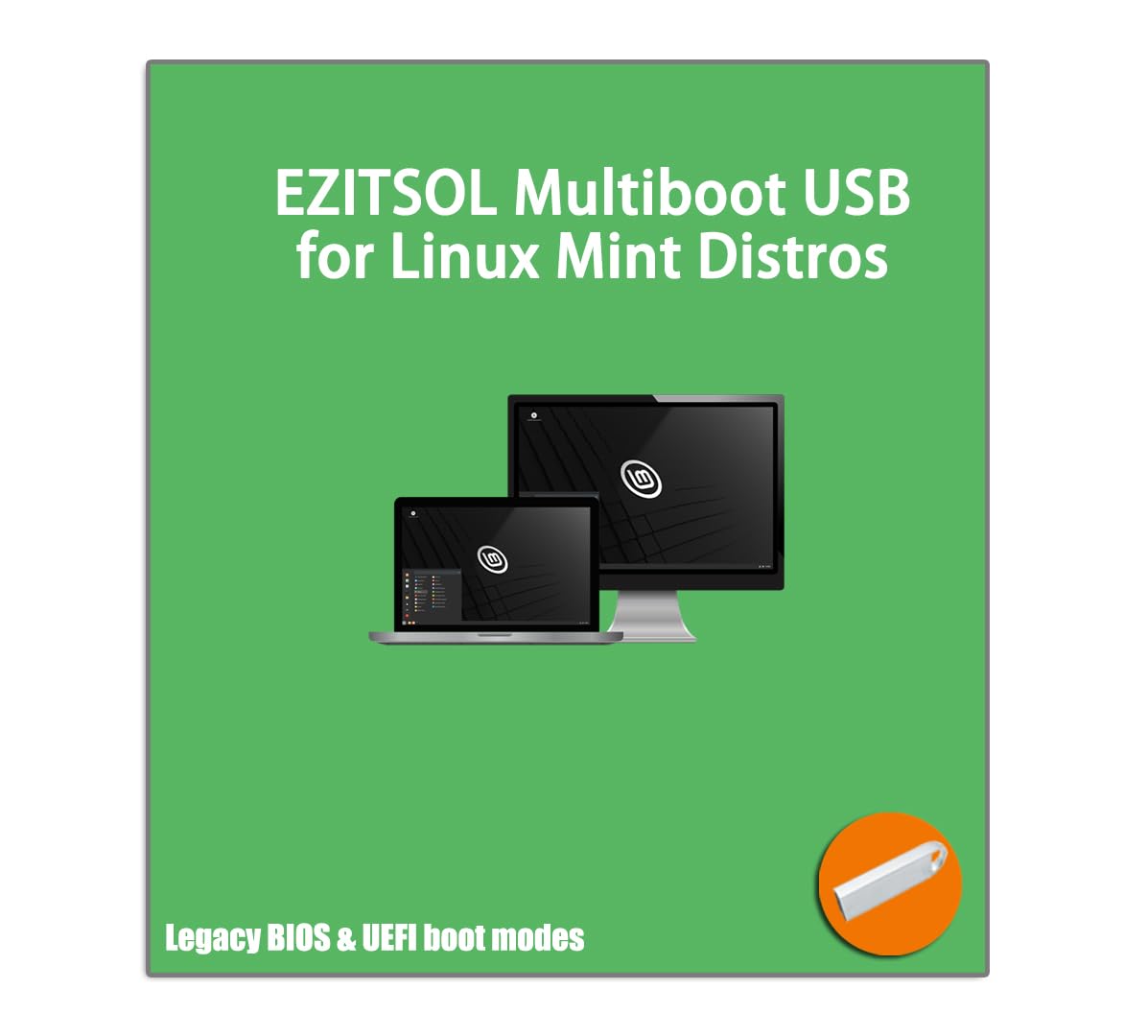
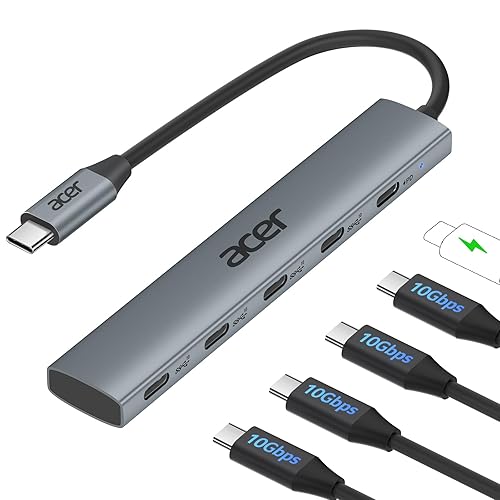
- Upgrade your storage the easy way with this All-in-One Disk Cloning Kit from EZITSOL. Designed for both home users and IT professionals, this kit includes everything you need to clone your existing hard drive or SSD — without reinstalling your operating system. Inside the box, you’ll find a printed user guide, a bootable USB key with built-in disk cloning software, and a USB 3.0 to SATA cable for connecting 2.5" SATA HDDs or SSDs (powered via USB). For 3.5" drives, a 12V/2A power adapter with 5.5×2.1mm plug is required (not included). Simple and reliable, this is an offline cloning tool — meaning you must boot your PC from the included USB key. Just connect your target drive using the SATA cable, launch the built-in clone program, and follow the step-by-step process. No internet required. Two USB ports are needed: one for the USB key and one for the SATA cable. This tool is compatible with 64-bit Intel or AMD-based PCs and servers running Windows or Linux. Please note: it is not compatible with ARM-based PCs, RAID setups, LVM, dynamic disks, or macOS file systems. ⚠️ Important: Legacy IDE hard drives and modern M.2 (NGFF/NVMe) SSDs are not supported. Cloning to a smaller disk is possible only if the used data is smaller than the destination drive’s capacity. Whether you’re upgrading from HDD to SSD or replacing a failing disk, this kit makes system migration fast, simple, and stress-free.
$118,12
60% OFF
$47,25
IMPORT EASILY
By purchasing this product you can deduct VAT with your RUT number
$118,12
60% OFF
$47,25
Envío gratis
 Llega en 12 a 16 días hábiles
Con envío
 Tienes garantia de entrega
Este producto viaja
de USA ![]() a tus manos en
a tus manos en
![]()
 a tus manos en

Conoce más detalles
All-in-One Disk Cloning Kit - Includes printed user guide, EZITSOL bootable USB key with built-in disk cloning software, and USB3.0-to-SATA cable for 2.5" SATA HDDs/SSDs (powered by USB). 3.5" drives need a 12V/2A 5.5×2.1mm adapter (not included). This kit is ideal for users who are a moderately tech-savvy. Easy Disk Cloning - Easily clone your PC's internal drive to a larger SSD/HDD without reinstalling Windows or Linux. Perfect for drive upgrades and system migrations. Cloning between two external drives is also supported, but requires an additional drive adapter (not included). USB Boot Required - This is an offline cloning tool. You must boot your PC from the included USB key, then connect the target drive using the SATA cable, and launch the clone program to start the cloning process. Two USB ports needed: one for USB key and one for SATA Cable. Compatible with Most Home PCs - Supports 64-bit Intel/AMD PCs or Servers running Windows or Linux. Not compatible with ARM-based PCs, RAID, LVM, dynamic disks, or Mac file systems. Important Notes - Legacy IDE hard disks and M.2 (SATA NGFF/NVME) SSDs are not supported. Cloning to a smaller disk is only possible if the used space is less than the target disk's capacity.
Compra protegida
Disfruta de una experiencia de compra segura y confiable
![]() Garantía de entrega
Garantía de entrega
Con Tiendamia todas tus compras cuentan con Garantía de Entrega o devolución total de tu dinero.
Compras 100% seguras y garantizadas, para que pidas lo que sueñas y lo recibas del mundo a tu puerta.
Tarjetas de Débito y Crédito

Visa

Mastercard

American Express

Dinners

Discover

Alias
Pagos a través de PayPal
Compra procesada en dólares con dinero en cuenta o tarjetas internacionales.

PayPal

.svg)
