








 Garantía de entrega








Artículo: AMZ-B0BLLPH31V
EZITSOL
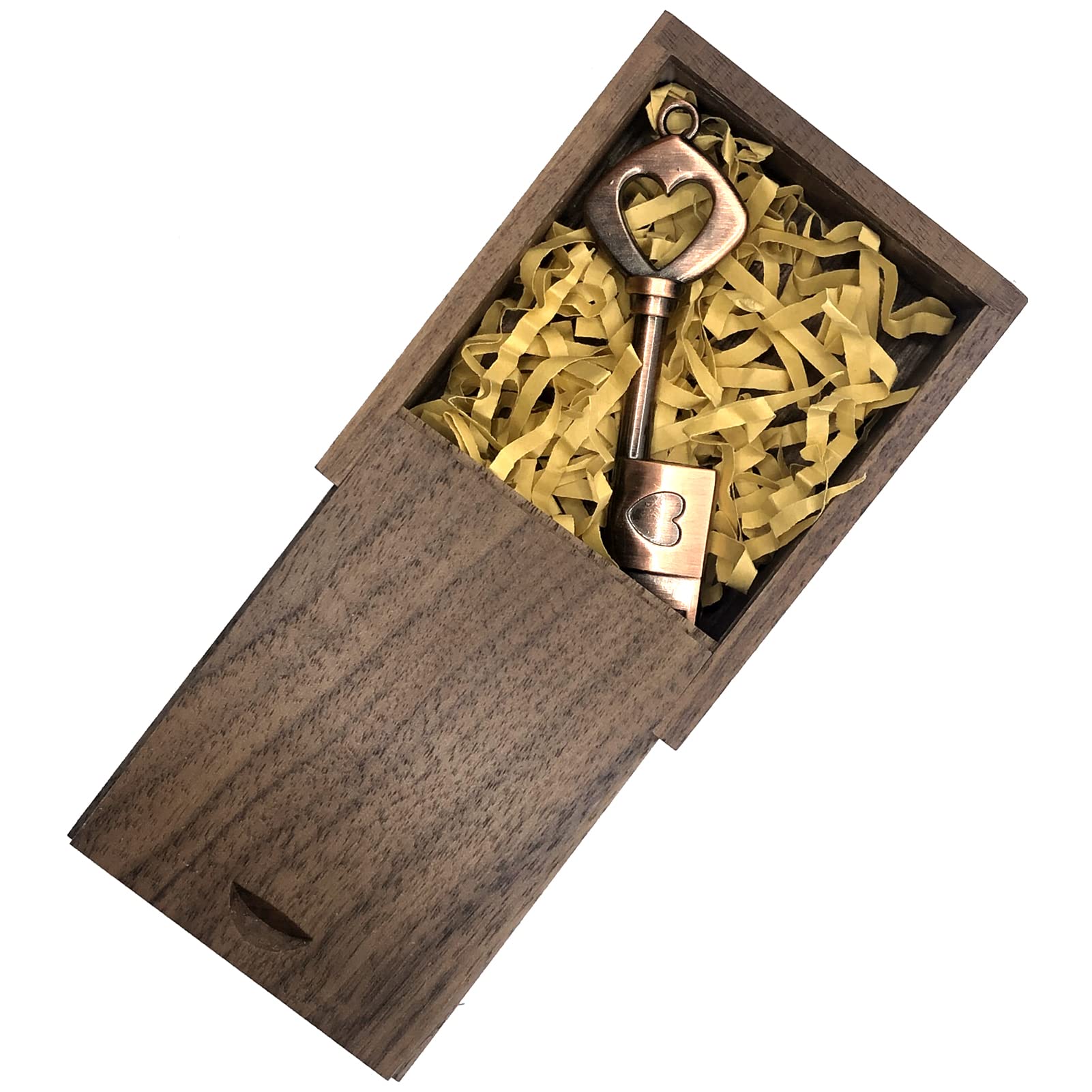
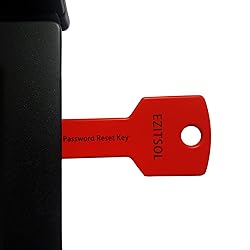
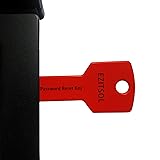
EZITSOL USB Compatible Password Reset Recovery Boot Key Flash Drive | Compatible with Windows XP,Vista,7,8.1,10,11,Server | Remove Reset Recover login Password
Detalles del producto
Disponibilidad
En stock
En stock
Peso con empaque
0.20 kg
0.20 kg
Devolución
Sí
Sí
Condición
Nuevo
Nuevo
Producto de
Amazon
Amazon
Viaja desde
USA
USA
Sobre este producto
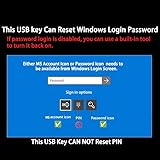
- Remove Password: This USB key is used to reset login passwords and is compatible with Windows 2000, XP, Vista,7,8.1,10,11,server and compatible with any PC brands such as HP,Dell,Lenovo,Samsung,Toshiba,Sony,Acer,Asus.Easy to Use: No need to change settings and no internet needed.Reset passwords in minutes for user who already knows how to boot from USB drive.Bootable Key: To remove login password, user needs to boot computer from this key and it supports legacy BIOS/UEFI, secure boot mode as well as 32/64bits PC/OS and it should work with most of brands’ laptop and desktop.Tech Support: Please follow instructions in the print User Guide.Feel free to ask tech support when user has an issue.Limits: It only can remove password for local accounts and local credential of Microsoft accounts. Caution: this key CAN'T remove BIOS Password and can't decrypt bitlocker data without recovery key.
$75,65
60% OFF
$30,26
IMPORT EASILY
By purchasing this product you can deduct VAT with your RUT number
$75,65
60% OFF
$30,26
Envío gratis
 Llega en 5 a 12 días hábiles
Con envío
 Tienes garantia de entrega
Este producto viaja
de USA ![]() a tus manos en
a tus manos en
![]()
 a tus manos en

Conoce más detalles
1. Remove Password: This USB key is used to reset login passwords for Windows users and is compatible with Windows 2000, XP, Vista,7,8.1,10,11,server and compatible with any PC brands such as HP,Dell,Lenovo,Samsung,Toshiba,Sony,Acer,Asus. 2. Easy to Use: No need to change settings and no internet needed.Reset passwords in minutes for user who already knows how to boot from USB drive. 3. Bootable Key: To remove login password, user needs to boot computer from this USB key and it supports legacy BIOS/UEFI, secure boot mode as well as 32/64bits PC/OS and it should work with most of brands’ laptop and desktop. 4. Tech Support: Please follow instructions in the print User Guide.Feel free to ask tech support when user has an issue. 5. Limits: It only can remove password for local accounts and local credential of Microsoft accounts. Caution: this key CAN'T remove the BIOS password configured in the computer's firmware and can't decrypt data for bitlocker without recovery key.
Compra protegida
Disfruta de una experiencia de compra segura y confiable
![]() Garantía de entrega
Garantía de entrega
Con Tiendamia todas tus compras cuentan con Garantía de Entrega o devolución total de tu dinero.
Compras 100% seguras y garantizadas, para que pidas lo que sueñas y lo recibas del mundo a tu puerta.
Tarjetas de Débito y Crédito

Visa

Mastercard

American Express

Dinners

Discover

Alias
Pagos a través de PayPal
Compra procesada en dólares con dinero en cuenta o tarjetas internacionales.

PayPal

.svg)
